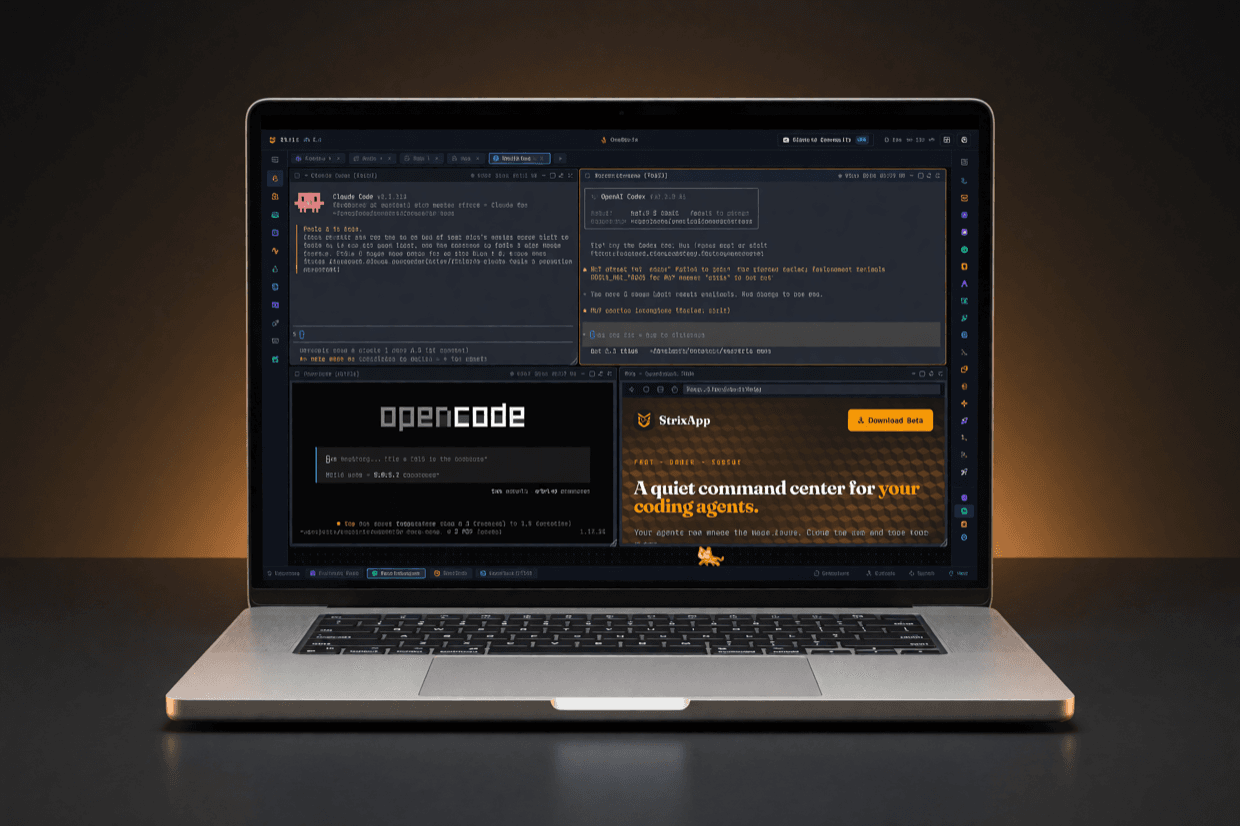
01 · Desktop app
StrixApp
The full canvas - projects, wings, and feathers on your own machine.
02 · Remote node
strixd
A single static binary for servers and remote boxes. Unpack, run, and pair it with the app.
Install node in one line
$curl -fsSL https://onestrix.com/install-node.sh | sh
# detects your OS and CPU arch, downloads and verifies strixd, then installs and starts it
# on a fresh node it prints the next step to run: strixd login
or install manually (macOS / Linux)
$tar xzf strixd-*.tar.gz && ./strixd --init
or on Windows (PowerShell)
>iwr https://onestrix.com/releases/latest/strixd-windows-x64.exe -OutFile strixd.exe; .\strixd.exe --init
# downloads the signed strixd.exe, installs the service, then prompts: strixd login
# in the app: name the node - Generate - copy code
$strixd pair XXXX-XXXX-XXXX
Manage the node service
strixd runs as a per-user OS service - a Scheduled Task on Windows, a launchd agent on macOS, a systemd user unit on Linux. Manage it the same way on every OS:
$strixd service install # register + start at login (same as --init)
$strixd service status # running? shows version + uptime
$strixd service restart # restart (e.g. after strixd update)
$strixd service uninstall # stop + remove the service
Windows: pause / resume without uninstalling
>schtasks /End /TN strixd # stop the node
>schtasks /Run /TN strixd # start it again
For AI coding agents
Give any AI coding agent (Claude Code, Codex, agy, OpenCode) full control of Strix sessions and nodes via MCP.
On your desktop (StrixApp)
The skill, MCP server, and CLI all live on the machine running StrixApp. Run the one-command setup here - this desktop hosts the hub your agents connect to.
On your nodes (strixd)
Nodes run your coding agents as headless workers, spawned and steered from the app. There is nothing extra to set up on a node beyond strixd itself.
Set up in one command
$curl -fsSL https://onestrix.com/register-strix.mjs | node --input-type=module -
# detects installed agents (claude, codex, opencode, agy)
# installs the Strix skill into each, and registers the MCP server when the hub is running
Skill source: onestrix.com/SKILL.md
The relay runs on OneStrix infrastructure and is not distributed - the app and strixd connect to it automatically. Every download links the newest build published for its platform.